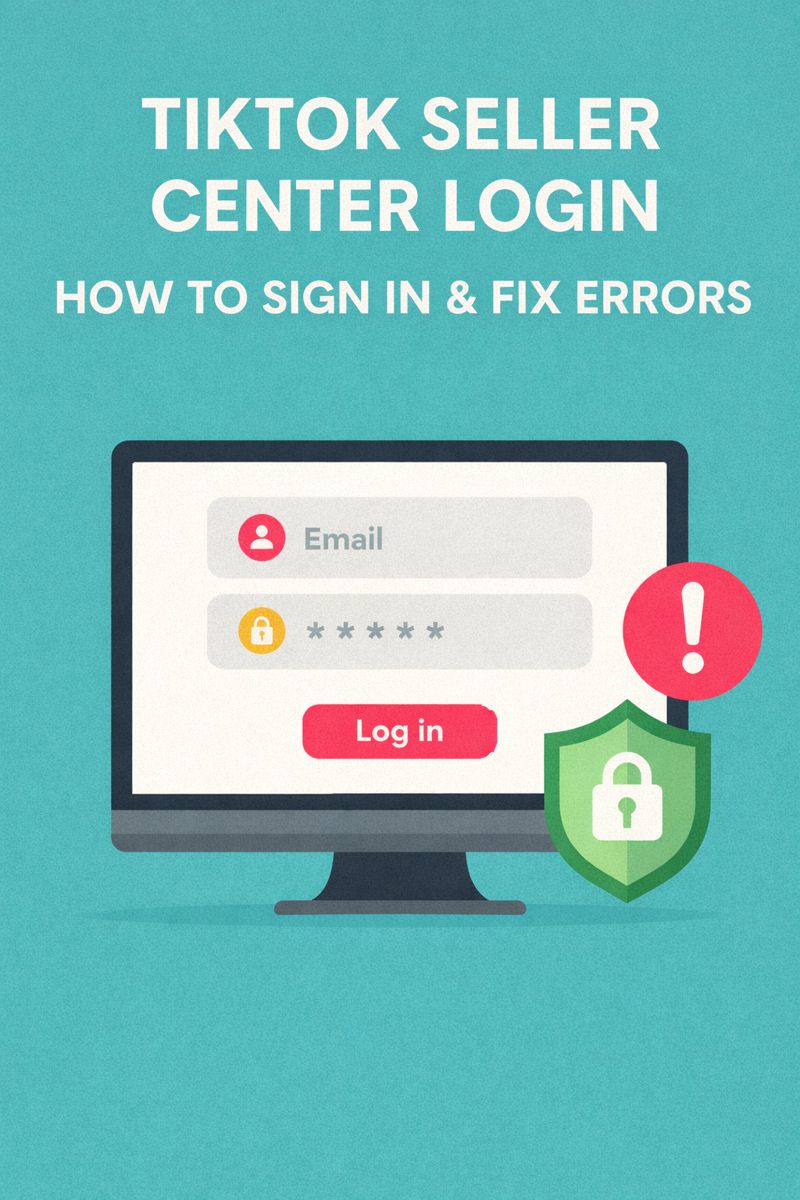
If you’re trying to access TikTok Shop Seller Center and keep hitting login issues, you’re not alone. “TikTok seller center login” is a high-intent search because sellers usually need to log in right now to manage orders, payouts, listings, ads, or disputes.
This guide covers:
- The official Seller Center login pages
- How to sign in by region
- The most common login errors and fixes
- How to secure your account (including TikTok’s two-step verification requirements)
 +
+
Official TikTok Seller Center Login Links (2026)
TikTok Shop Seller Center uses a regional portal. The safest way is always to start from the official Seller Center domain:
- Global / choose your region portal: Seller Center region selector
- Main Seller Center (entry): TikTok Shop Seller Center
- US Seller account login: US Seller login page
Tip: If you see “choose portal/region” first, that’s normal. TikTok routes you to the correct Seller Center based on region.
Quick Answer (AEO Featured Snippet)
How do I log into TikTok Seller Center?
- Go to the official Seller Center login page (region selector)
- Choose your region (Americas / Europe / Asia)
- Sign in using your linked method (TikTok account, email, or Business Center—depending on your setup)
Step-by-Step: TikTok Seller Center Login (2026)
Step 1: Use the Region Selector
Open the region portal chooser and select the correct portal for your business (Americas, Europe, Asia).
Why it matters:
Logging into the wrong portal can cause “account not found” or repeated verification loops because Seller Center access is region-based.
Step 2: Sign In Using the Right Account Type
Common sign-in methods
Depending on your region and setup, TikTok may offer:
- Sign in with your TikTok account
- Sign in with email/phone
- Sign in via TikTok For Business / Business Center (linked assets)
If you run ads: you may have your Seller account linked to TikTok For Business assets.
Step 3: Complete Security Checks (if prompted)
TikTok may request:
- verification code (SMS/email)
- captcha or device confirmation
- 2-step verification setup (more on this below)
TikTok Seller Center Login Not Working? Fixes for Common Errors
Below are the most common Seller Center login problems sellers face, plus practical fixes.
1) “Account Doesn’t Exist” or “Account Not Found”
What it usually means:
- Wrong region portal
- You’re trying to log in with a different account than the one used to register
- Your account is linked to another Business Center
Fix checklist:
- Go back and choose the correct region portal
- Try all sign-in methods you may have used originally (TikTok, email, phone)
- If you manage multiple brands, confirm which TikTok account was used for registration (teams often forget)
2) Stuck in a Login Loop (Keeps Redirecting)
Likely causes:
- browser cache/cookies conflict
- extension/adblock issues
- using multiple TikTok accounts in the same browser session
Fix checklist:
- Open an incognito/private window
- Clear cookies/cache for TikTok domains
- Temporarily disable ad blockers / privacy extensions
- Log in with only one TikTok account in that session
3) “Too Many Attempts” / “Maximum Attempts”
This happens when TikTok security detects too many:
- wrong passwords
- repeated code requests
- frequent device or IP changes
Fix checklist:
- Stop attempting for a while (short lockouts are common)
- Reset password once (don’t keep trying old credentials)
- Use one device + one stable network when reattempting
4) Verification Code Not Sending (SMS/Email)
Likely causes:
- carrier filtering SMS
- email filters/spam
- requesting too many codes too quickly
- wrong email/phone on file
Fix checklist:
- Wait 5–10 minutes and request once
- Check spam/junk and “Promotions” inbox
- Ensure phone number format is correct (+country code)
- Try alternate verification method if offered
5) “Access Denied” or “You Don’t Have Permission”
This usually happens when:
- you’re a staff member without Seller Center role access
- Business Center permissions were changed
- you were removed from a shop
Fix checklist:
- Ask the Shop owner to re-invite you with proper role permissions
- Confirm you’re logging into the same TikTok/Business account that was granted access
6) Seller Center Payouts Locked After Login
Sometimes sellers can log in but can’t withdraw funds.
TikTok Shop Seller Center has published guidance indicating that sellers must link a phone number and enable two-step verification to avoid payout holds; if not completed within a set window, withdrawals may be placed on hold until setup is finished.
Secure Your TikTok Seller Center Account (2026)
Security is not optional—Seller Center controls inventory, payouts, and banking.
Enable Two-Step Verification (2SV)
TikTok Shop has emphasized enabling two-step verification and linking a phone number to avoid interruption in Seller Center operations (including withdrawals).
Best 2SV options (recommended order)
- Authenticator app (best for security)
- Email backup
- SMS as last resort (can be delayed)
Security Checklist for Sellers
- Use a unique password (never reused)
- Turn on 2SV immediately
- Remove old team members from access
- Avoid logging in from random public Wi-Fi
- Add a backup admin account for business continuity
Country/Region Portal Issues
Seller Center access depends heavily on region. If you’re in an unsupported location, you may be blocked or redirected. Some third-party sources maintain lists of supported countries; always confirm against your local Seller Center portal availability.
Practical takeaway:
If login fails repeatedly, your first troubleshooting step should be: confirm you’re using the correct regional portal.
How KOLSprite Helps After You Log In
Once you’re inside Seller Center, the next challenge is growth: products, creators, and content that drives conversions.
That’s where KOLSprite fits naturally into the workflow:
- Find mid-tier creators for your niche faster (influencer search)
- Analyze viral videos and scripts you can replicate
- Track which influencer content is driving sales signals
- Build creator lists and manage outreach for collaborations
In other words:
Seller Center = operations.
KOLSprite = growth engine.
FAQ
What is the official TikTok Seller Center login website?
Use TikTok’s official Seller Center domain and region selector to access the correct portal.
Why does TikTok Seller Center keep redirecting me?
Usually browser cookie/session conflicts or account switching. Try incognito mode, clear cookies, and log in with only one TikTok account.
How do I fix “too many attempts” on TikTok login?
Stop retrying, wait for the lockout window, reset password once, and retry from one stable device/network.
Do I need two-step verification for TikTok Shop Seller Center?
TikTok Shop guidance indicates enabling two-step verification and linking a phone number helps avoid interruptions like withdrawal holds.
Conclusion
If your TikTok seller center login isn’t working, the fastest path is:
- start from the official region selector
- confirm portal region
- fix session/cookies
- complete security requirements like 2SV
Once you’re in, focus on growth: creators, content, and product momentum—exactly what KOLSprite is built to accelerate.

 Refer & Earn