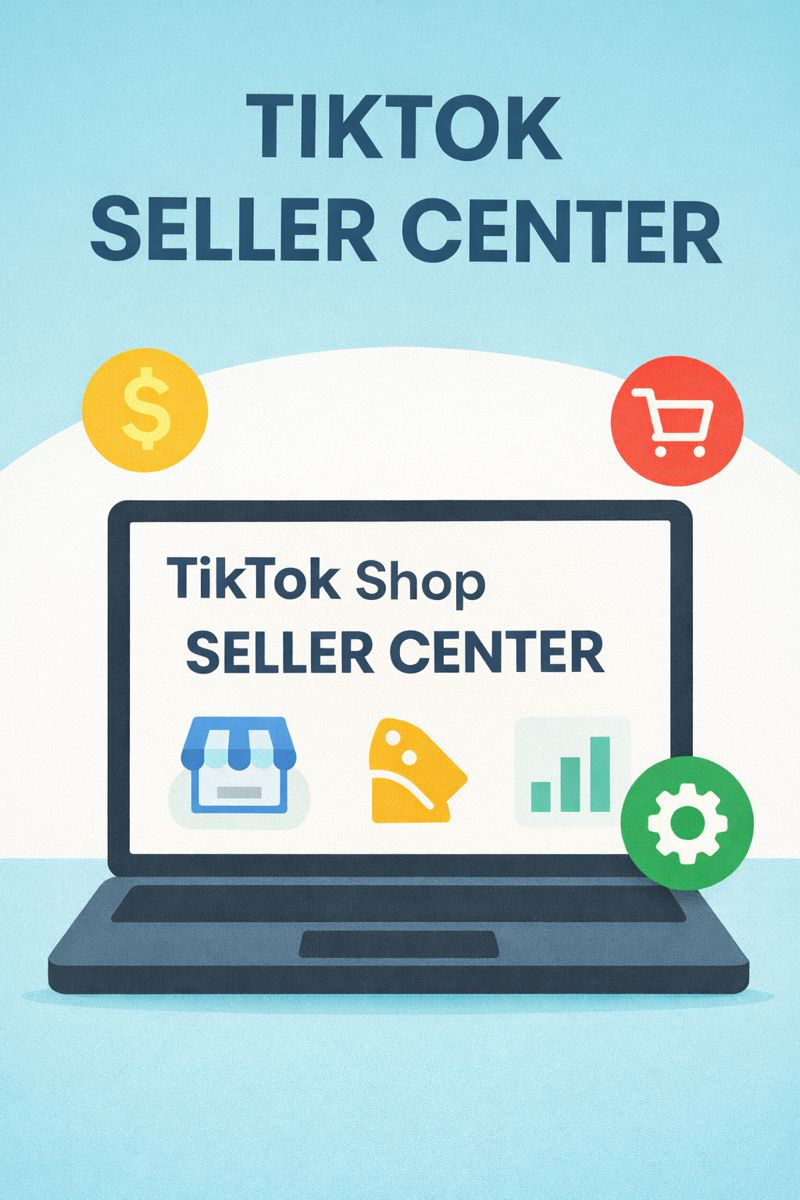
TikTok Shop has turned short-form video into a full commerce channel—and the TikTok Seller Center is where everything happens: store setup, product listings, orders, shipping, returns, ads, and performance tracking.
This guide explains what TikTok Seller Center is, how to set it up, what each feature does, and best practices to grow sales in 2026—plus how sellers use creator-data platforms like KOLSprite to find the right influencers and winning content angles faster.
 +
+
Quick Answers
What is TikTok Seller Center?
TikTok Seller Center is the dashboard used to create and manage your TikTok Shop. It lets you upload products, manage orders, handle shipping/returns, run promotions, and track sales performance.
How do I set up TikTok Seller Center?
- Go to TikTok Shop Seller Center
- Register as an individual or business
- Submit verification documents
- Set up your shop details
- Link your bank account for payouts
- Add products and shipping templates
Is TikTok Seller Center the same as TikTok Shop Seller Center?
Most sellers use the terms interchangeably. “Seller Center” typically refers to the management portal for TikTok Shop.
What You Can Do Inside TikTok Seller Center (2026 Feature Map)
TikTok describes Seller Center as the “home base” for TikTok Shop sellers—covering marketing, analytics, performance, order management, customer support, and more.
Core feature areas you’ll use most:
1) Store Setup & Account Verification
- Seller registration (individual/business)
- Identity/business verification
- Shop details (name, address, return settings)
- Tax and payout configuration (varies by region)
TikTok requires sellers to provide eligibility documents (business license/registration where applicable) and identity verification for legal representatives in many cases.
2) Product Management
- Add products manually or in bulk
- Set variants (size/color), pricing, inventory
- Media assets (images, video, descriptions)
- Category selection and compliance checks
3) Order Management & Fulfillment
- New orders, packing, shipping labels
- Carrier/warehouse setup (where supported)
- Tracking updates and delivery confirmation
- Cancellations and exceptions
TikTok’s Seller Center login pages emphasize tools for product upload, logistics, and post-sale management.
4) Marketing & Promotions
- Shop promotions and discounts
- Affiliate/creator collaboration workflows (varies by market)
- Campaign tools for boosting visibility
5) Analytics & Performance
- Sales, traffic, conversion insights
- Product performance and store health indicators
- Customer behavior signals (depending on region/account type)
TikTok highlights Seller Center as providing real-time insights into store performance and customer behavior.
6) Customer Support & After-Sales
- Buyer messaging/support tools
- Returns, refunds, replacements, disputes
TikTok’s seller education materials include detailed return/refund logic—like different cost handling depending on return reason and responsibility.
TikTok Seller Center Setup: Step-by-Step (2026)
The exact screens differ by country, but the workflow is consistent.
Step 1: Create your Seller Center account
- Start from TikTok Shop’s seller portal (your region will route you)
- Choose seller type: Individual or Business
- Register using email/phone and set credentials
Step 2: Complete verification
Prepare documents before you start:
- Government-issued ID for individuals / legal representative
- Business registration/license (if registering as a business)
- Bank account details (name must match verification info)
- Additional documents depending on country
TikTok’s official guidance notes seller verification requirements and bank account name matching identity/business documents.
Step 3: Set up your shop profile
Inside Seller Center, configure:
- Store name
- Pickup/warehouse address
- Return address
- Customer service details
- Shipping settings (templates, carriers, handling time)
Step 4: Link your bank account for payouts
TikTok’s setup flow includes linking a bank account for payouts and returns processing.
Step 5: Add products the “TikTok way”
Upload your first products with:
- Clear titles (keyword-rich, human-readable)
- Strong thumbnails (vertical-friendly)
- Short benefit-focused descriptions
- Variants and inventory accuracy
Step 6: Connect content to commerce
Your store won’t grow from listings alone. Plan for:
- Short videos that demonstrate product use
- Live shopping (if available in your market)
- Creator/affiliate collaborations (when enabled)
Best Practices to Grow Faster in 2026
1) Build listings for TikTok Search, not just ecommerce
TikTok functions like a search engine. Optimize product pages with:
- A primary keyword in the product title
- 3–5 secondary keywords naturally in the description
- Clear use-cases and outcomes (before/after, problem/solution)
Example title format:
[Main Keyword] – [Primary Benefit] – [Who It’s For]
2) Create “content inventory” before you scale ad spend
Before you spend on ads, create 15–30 content assets:
- 10 product demos
- 5 problem/solution videos
- 5 UGC-style testimonials
- 3 comparison videos (“vs”)
- 2 unboxing videos
Then use performance signals to decide what to boost.
3) Use creators to reduce CAC (customer acquisition cost)
Creators already have trust and distribution. The trick is choosing the right ones.
Where KOLSprite fits naturally:
KOLSprite helps sellers and marketers discover suitable TikTok influencers, analyze engagement and exposure, and manage collaboration workflows—so you don’t waste budget on mismatched creators. (This supports your Seller Center growth by feeding the top of funnel with better creator-led content.)
4) Track refunds and returns like a profit metric
Returns are not “just support”—they’re margin killers.
TikTok’s seller education materials show that responsibility can change who pays what in certain return scenarios.
Best practice:
- Improve product descriptions to reduce expectation gaps
- Use sizing guides and “what’s included” lists
- Add a short “how to use” insert (reduces misuse returns)
5) Protect account health (compliance is growth)
Avoid issues by:
- Staying accurate with shipping/handling times
- Avoiding restricted categories/claims
- Using original product media or licensed assets
- Responding to customer issues quickly
TikTok Seller Center Checklist (Copy/Paste)
Before you register
- Decide Individual vs Business
- Prepare ID + business documents (if needed)
- Prepare bank details (matching legal name)
Before you publish products
- Keyword-optimized titles
- Clear images + 1 short demo video
- Variants/inventory set correctly
- Shipping template configured
Before you scale
- 15–30 content assets ready
- 5–10 creators shortlisted (use a discovery tool like KOLSprite)
- Return/refund process documented
Common TikTok Seller Center Problems (and Fixes)
“Verification failed”
Typical causes:
- Document images unclear
- Name mismatch between bank and ID/business
- Incomplete business documentation TikTok explicitly notes bank account name consistency with provided identity docs.
“Orders delayed / shipping penalties”
Fix with:
- Accurate handling time
- Reliable carrier settings
- Daily order processing routine
“High refund rate”
Fix with:
- Better product expectation setting (video + description)
- Clear sizing/compatibility notes
- Faster support response Refund/return handling varies by reason and responsibility.
FAQ
Is TikTok Seller Center free?
Creating and using Seller Center is generally free, but selling may involve platform fees/commissions and other costs depending on your region and programs. Always confirm inside your Seller Center and official documentation for your market.
Where do I log in to TikTok Seller Center?
Use the TikTok Shop Seller Center login page for your region (US/UK/etc.). TikTok maintains region-specific portals.
What documents do I need for TikTok Shop Seller Center?
Typically:
- Identity verification (individual or legal rep)
- Business license/registration for business accounts
- Bank details that match the verified name
How do I increase sales from Seller Center?
Best levers:
- Strong listings (search-friendly)
- Consistent content
- Creator collaborations (UGC/affiliate)
- Monitoring return rate and store health metrics
Conclusion: Seller Center Is Your Operations Hub—Creators Are Your Growth Engine
TikTok Seller Center is where you run the shop: products, orders, shipping, promotions, and analytics.
But in 2026, most shops win by pairing Seller Center operations with creator-driven content and data-backed influencer selection—which is where tools like KOLSprite help you scale smarter.
 Refer & Earn