 +
The lunchbox video looks strong until someone trims the opening. Now the viewer sees a shake and a dry table, but never sees the lid close. For a small-brand content lead, that edit raises a better question than how many clips the team can produce: does the new piece still show what the claim depends on?
Content repurposing adapts existing material for a new format or task. Start with the buyer's question, keep the proof needed to answer it, and change the presentation around that purpose. The comparison below shows how one owned demonstration can become useful social and product-page material without turning a partial view into a stronger claim.
A long demonstration gives the viewer time to watch a sequence. A short social clip has less room and may appear before the viewer knows the product. A still photograph lets someone inspect a detail but cannot show a movement through time. These are different forms of evidence as well as different shapes on a screen.
Buffer's repurposing guide distinguishes adapting material into new formats from crossposting unchanged content or reposting it on the same channel. That distinction helps an editor ask what changed for the next audience, rather than calling every repeat a fresh piece.
| Source distinction | Question for the editor |
|---|---|
| Repurpose into a new format. | What has been adapted for the new use? |
| Crosspost unchanged material. | Does it still make sense in the other channel? |
| Repost on the same channel. | Why is this a useful time to repeat it? |
Source: Buffer, checked November 17, 2026. These distinctions describe the editorial choices, not a forecast of reach or production savings.
A useful new piece has a named job. The social clip might show why the seal is worth a closer look. The product-page image might show where the seal sits. Each can serve a buyer without pretending to do everything the original video did.
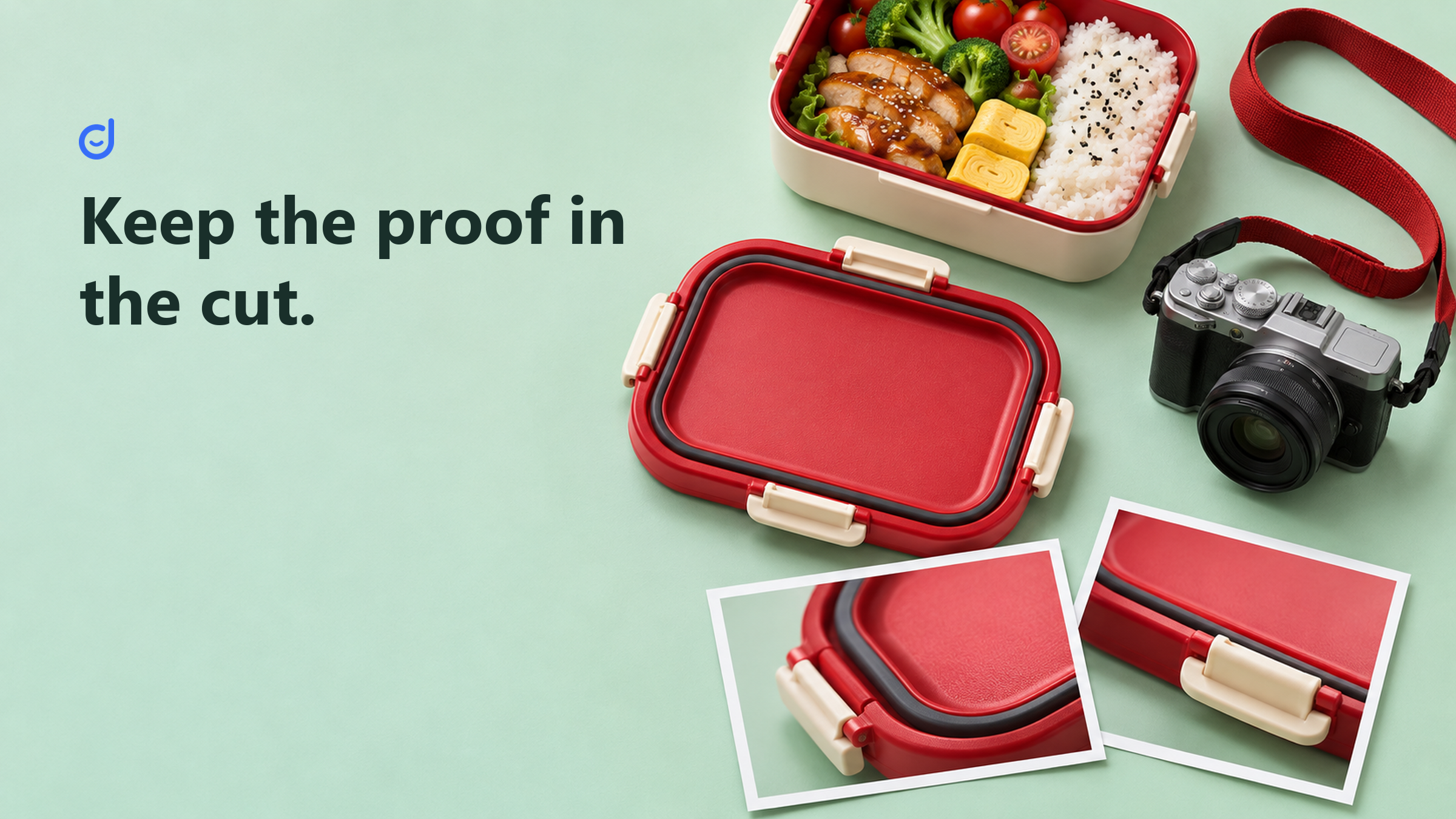
Imagine a fictional brand filming its own lunchbox. The full demonstration shows an empty box, the lid being closed, the box being moved, and the result. This is a planning example, not a test we conducted or evidence about a real lunchbox.
The team wants a short clip. It can remove a long greeting or a pause without losing the central sequence. Removing the closure step is a different choice. If the claim depends on the lid being fitted correctly, the new viewer needs enough context to understand that condition.
The editor also needs to keep the claim at the scale of the footage. A scene showing one use under stated conditions is not proof of performance under every possible condition. A new caption should not promise more just because the shorter edit feels more dramatic.
| Fictional output | Proof to retain | What this output cannot show alone |
|---|---|---|
| Full demonstration | The relevant setup, action and result. | Every possible use or condition. |
| Short social clip | The key action and its necessary context. | Details removed from the sequence. |
| Product-page still | A clear view of the actual lid or seal. | Performance through time or movement. |
This comparison makes the tradeoff visible before the cut is approved. The missing step may require a different edit, a brief explanation, or a less ambitious claim. It need not require a new campaign built around the same promise.
Suppose shoppers want to see the seal groove up close. A clean still can hold that detail on screen for as long as someone needs. Extracting a blurred frame from the shaking scene may be a poor way to answer the question, even though it reuses the source file.
The editor can inspect whether the original footage contains a sharp view or whether the team needs a separate photograph. Reuse is a choice about useful material, not an obligation to make every asset from what already exists. A missing view stays missing when exported in a new size.
The product photography discussion organizes image choices around buyer questions. Use that approach here. A photo showing scale, an image showing parts, and a sequence showing use have different jobs, so the output plan should name which one the buyer needs.
A viewer arriving through a social feed may need the product and question established quickly. Someone on the product page may already know what the lunchbox is and want to inspect one detail. The editor can change the opening and pace to suit those contexts.
For the social version, start close to the useful action rather than keeping a long introduction. Preserve enough of the setup for the action to make sense. For the product page, choose a view that makes the relevant part easy to inspect without requiring a viewer to understand a whole social narrative.
Keep the item consistent across versions. A close-up from another model can look convenient in the edit while showing the wrong latch. File names, a source reference, and a simple model check help the team approve the actual item rather than a visually similar substitute.
The same care applies to sound and captions. A line that described the original sequence may be unclear after a cut. Read it alongside the new pictures and ask what a first-time viewer would reasonably understand. Preserve the meaning, not just the words.
It is possible to make many versions of one demonstration and still leave the main buyer question unanswered. Start with the places where the team has a reason to use the material. A short clip, a product detail image, and a useful email section may be enough for the current task.
The organic versus paid social comparison separates a content job from a distribution job. A new cut can make a message clearer; it does not by itself buy access to an audience. Decide how each version will be used before treating the export count as progress.
Use owned material in this planning example. If another person's footage enters a real project, establish the permitted use before making versions. The fact that a clip can be downloaded or edited does not settle that question. Keep the approval basis with the source so future edits do not lose it.
Before publishing, view the new piece and the relevant original sequence together. Name the buyer question, the proof retained, and the context removed. This gives the approver something more concrete than whether the cut feels lively or fits the requested dimensions.
For an email use, carry that same question into the message plan. The holiday email discussion ties a message to a buyer's actual need and the store's promise. A small, well-chosen part of the demonstration can earn its place there when the link and destination continue the same useful task.
Latest Articles

As an essential, data-driven toolkit for TikTok influencers and marketers, KOLSprite provides powerful features for effortless creator discovery, trending content identification, and actionable real-time insights.
It empowers users to make smarter decisions and significantly boosts their TikTok business.

 Refer & Earn